
Quick Answer
Businesses can receive the Google Verified badge, formerly Google Guaranteed, by signing up for Local Services Ads and passing Google’s screening and verification process. The process varies by business category and location and may include background checks, business registration, license and insurance checks, and minimum review requirements, plus a public, verified Google Business Profile. Timing varies with your category and paperwork, and Google’s requirements, not submitted documents, determine eligibility.
What Is the Google Verified Badge?
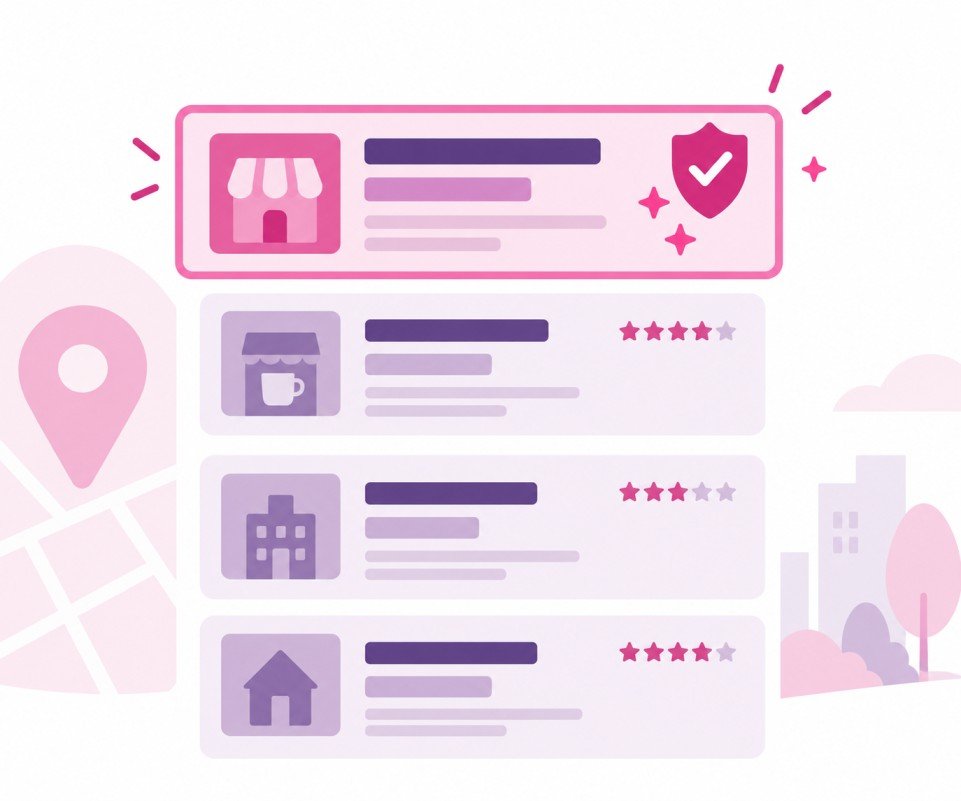
The Google Verified badge is the checkmark that appears on Local Services Ads listings for businesses that have passed Google’s screening and verification process for their category and location. It appears where Local Services Ads run, at the top of Google Search and Maps results, and it tells customers that Google has checked the business’s credentials; Google encourages customers to review each provider’s profile to see which licenses and insurance it has checked. It is worth being precise about what that means: the badge reflects that a business passed Google’s checks, not that Google endorses the quality of the work, guarantees the outcome of a job, or vouches for any individual customer experience.
A short history explains why many people still call it something else. For years, Google ran separate badges, including Google Guaranteed for home services and Google Screened for professional services. Google has since consolidated its Local Services badges into the single Google Verified badge, and the money-back guarantee that came with the old Google Guaranteed program was discontinued. The screening and verification requirements behind the badge remained. So if you searched “how to get Google Guaranteed,” this is the same program under its current name, minus the consumer guarantee, and the rest of this article covers how it works today.
Which Businesses Can Get the Google Verified Badge?
Eligibility comes down to your service category and your location, both determined by Google. Local Services Ads support a defined set of business categories, availability differs by market, and the badge is currently unavailable in a few verticals, such as auto, beauty, and dining, so the first step is checking your specific category and area against Google’s eligibility rather than assuming a suitable-looking business qualifies. Some categories carry extra requirements: health-care providers, for example, have their NPI numbers verified against the federal registry, and Google requires some business categories to complete an Advanced Verification process designed to prevent unauthorized businesses from advertising under false identities.
The other point worth stating plainly: submitting documents starts the process; it does not guarantee the badge. Google’s screening and verification requirements determine who qualifies, and a business whose license, insurance, or other credentials do not meet the requirements for its category and state will not receive the badge no matter how complete the paperwork looks.
What Are the Requirements for Google’s Screening and Verification?
According to Google’s documentation, every business must pass screening and verification to participate in Local Services Ads, and the process varies by category and location. It may include background checks, business registration checks, insurance checks, license checks, and minimum review requirements. In select verticals, Google also requires identity verification for the business owner and for fieldworkers, the people who actually show up on a customer’s premises. And every Local Services advertiser must have a public, verified Google Business Profile linked to their account, so an unclaimed or suspended profile needs fixing before anything else moves.
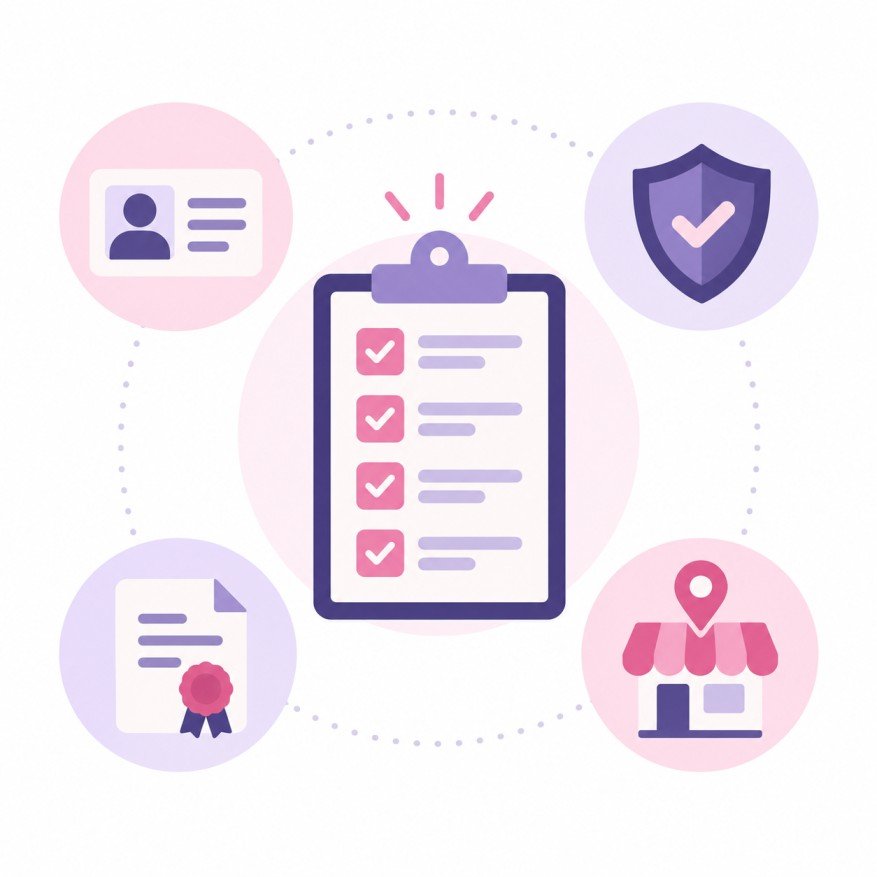
The practical preparation is documentation. Before applying, have your business registration details, current license information for your trade and state, and insurance documentation that covers your Local Services business category ready to submit, and make sure the business name and details match across your documents and your Google Business Profile. Gathering everything first, and keeping it consistent, can help reduce avoidable delays during verification, and it is the part of the process NextEra’s LSA setup and management handles for clients along with the campaign itself.
How Do You Apply for the Google Verified Badge Step by Step?
As of this writing, new advertisers still begin at Google’s Local Services sign-up rather than inside Google Ads; even with Local Services campaigns migrating into the Google Ads platform, Google’s migration documentation notes that new pay-per-lead campaigns cannot yet be created directly in Google Ads. From the sign-up, the path runs: confirm your category and area are eligible, create your business profile with accurate details, define your service area, and select your job types. Then submit your registration, license, and insurance documentation, complete the background and identity checks Google requires for your category, link your verified Google Business Profile, and configure your budget so ads can serve once verification clears.
Two pieces of judgment matter along the way. First, select only the services and job types your business genuinely provides and is licensed and eligible to perform. Accurate job types and service areas determine which searches you appear for, and, as we covered in our Local Services Ads guide, Google no longer credits leads for services you do not offer or areas you do not serve, so accuracy here protects your budget, not just your compliance. Second, treat the profile as a customer-facing asset: real photos and complete information make the listing customers see after the badge worth clicking.
What If Verification Is Delayed or Denied, and How Do You Keep the Badge?
Google does not promise a specific verification timeframe, and timing genuinely varies with your business category, location, the checks required, and the state of your documentation, so build the badge into your plans early rather than starting the week you need leads. Google’s documentation does describe a risk-based process for some US advertisers: based on an initial review of signals about the business, some advertisers qualify for accelerated verification, receive the Google Verified badge quickly, and then have 14 days to complete the remaining verification steps to keep their ads serving.

If the process stalls or comes back negative, work from the documented requirements rather than guesswork: confirm your license is active and correct for your category and state, your insurance meets the requirements for your Local Services category, your business registration is valid, and your business details match across your documents and Google Business Profile, then correct what does not line up before trying again. Keeping the badge follows the same logic, since the credentials Google verifies are ones that expire and renew: a lapsed license or insurance policy is a Local Services problem, not just a paperwork one. One reassurance on the horizon: verified status and the Google Verified badge carry over automatically as Local Services campaigns migrate into Google Ads, so the platform transition is not a re-verification event. For whether the ads behind the badge are worth running at all, that question has its own article.
Frequently Asked Questions
Q: Is Google Verified the same as Google Guaranteed? A: Google Verified is the current badge that replaced Google Guaranteed and Google Screened, after Google consolidated its Local Services badges into one. The screening and verification requirements behind the badge remained, so businesses that would have pursued Google Guaranteed now earn Google Verified through the same Local Services Ads process. The main substantive change is that the old program’s customer money-back guarantee was discontinued.
Q: Does Google’s money-back guarantee still exist? A: No. The money-back guarantee that accompanied the old Google Guaranteed badge was discontinued when Google consolidated its badges into Google Verified. The badge still signals that a business passed Google’s screening and verification for its category and location, but it no longer includes a reimbursement program for customers, and it should not be described to customers as a guarantee of the work.
Q: How much does it cost to get the Google Verified badge? A: Google does not sell the badge as a standalone product; it is earned through the Local Services Ads screening process, and advertising costs are pay-per-lead once your ads run. Separately, meeting the requirements has its own business costs, since your licensing and insurance must be current and sufficient for your category, which is an expense of operating legitimately rather than a fee paid to Google.
Q: How long does verification take? A: Google does not publish a fixed timeframe, and timing varies by business category, location, the checks your category requires, and how complete and consistent your documentation is. Google does describe an accelerated path for some US advertisers who pass an initial risk-based review, with 14 days to finish remaining steps. The reliable way to shorten the wait is preparation: current licenses, adequate insurance, and matching details everywhere.
Q: Will I lose my badge when Local Services Ads move into Google Ads? A: No. According to Google’s migration documentation, your verification status and Google Verified badge carry over automatically when Local Services campaigns migrate into the Google Ads platform. The migration changes where campaigns are managed, not whether your business is verified. Keep your underlying credentials current, since expired licenses or insurance affect your standing regardless of which platform the campaigns live in.
Get Verified Before You Need the Leads
If the Google Verified badge belongs in your marketing, the best time to start the paperwork is before busy season, not during it. Reach out to NextEra Marketing and we can check your category’s eligibility, help you prepare your documentation, and guide the setup process. Straight answers, no runaround.